 DownCats
About the Extension
DownCats is a browser extension for downloading media. After installation, download buttons appear directly on supported video and visual-content pages, so you can save assets without copying links or switching pages.
- Download from video pages in one click without copying links
- Supports video, Live Photo video, and icon package downloads
- Plugin members can batch-download profile pages
Supported platform:DouyinREDRedNoteTikTok
Coming soon:BilibiliKuaishouYouTubeInstagramWeibo
Installation complete. Please pin the extension icon to the toolbar — you won't be able to log in otherwise. Click to view the steps.
Online Installation
For Chrome and Edge. Click a button to open the corresponding store and install with one click.


Offline Installation
For 360 Browser, QQ Browser, Chrome, and Edge. Follow these steps to install manually.
Installation Steps
1Download the offline package (.zip file) and extract it to a local folder.
2Open the extensions management page in your browser's address bar. Use one of these addresses:
Chrome
chrome://extensionsEdge
edge://extensions360 Browser
se://extensionsQQ Browser
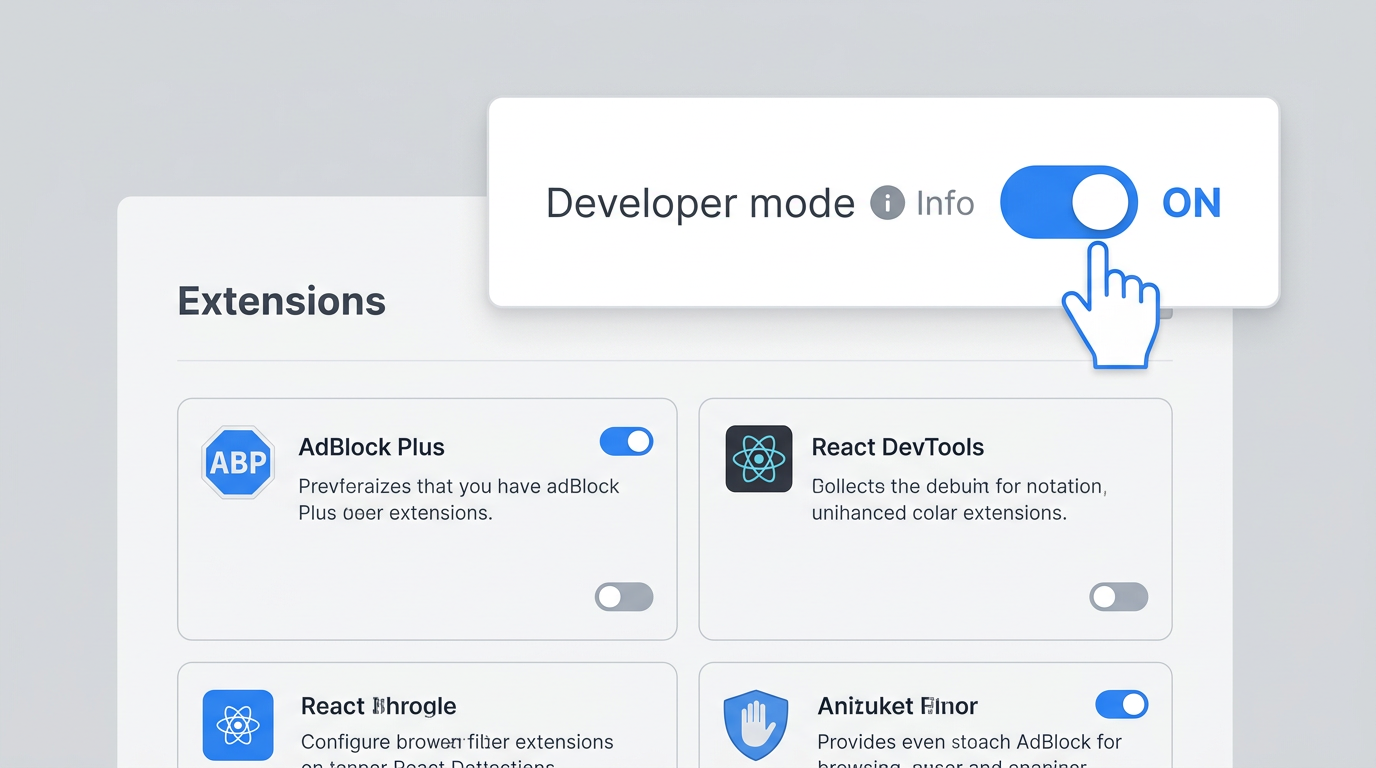
qqbrowser://extensions3Turn on Developer mode in the top-right corner.
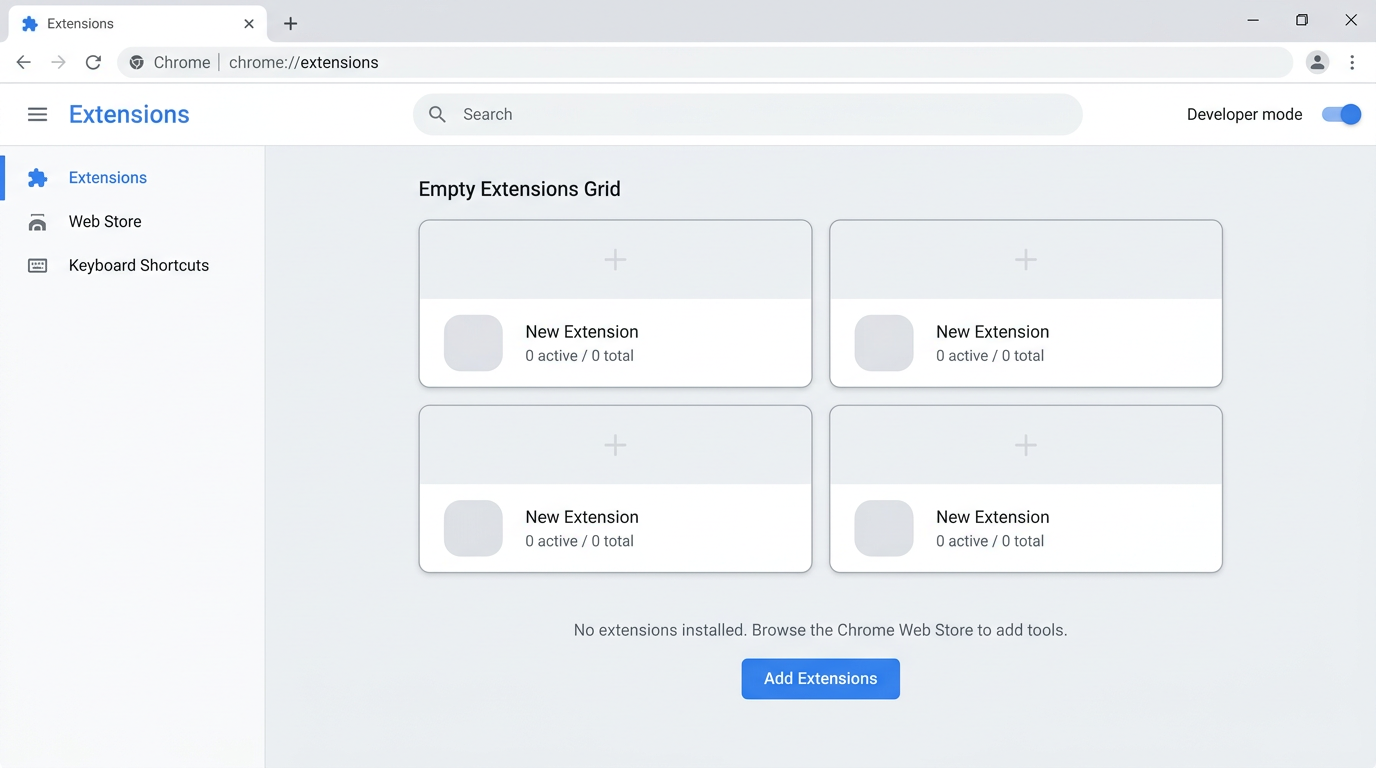
4Click Load unpacked, then select the extracted folder to finish installation.
After Installing: Be Sure to Complete These Two Steps
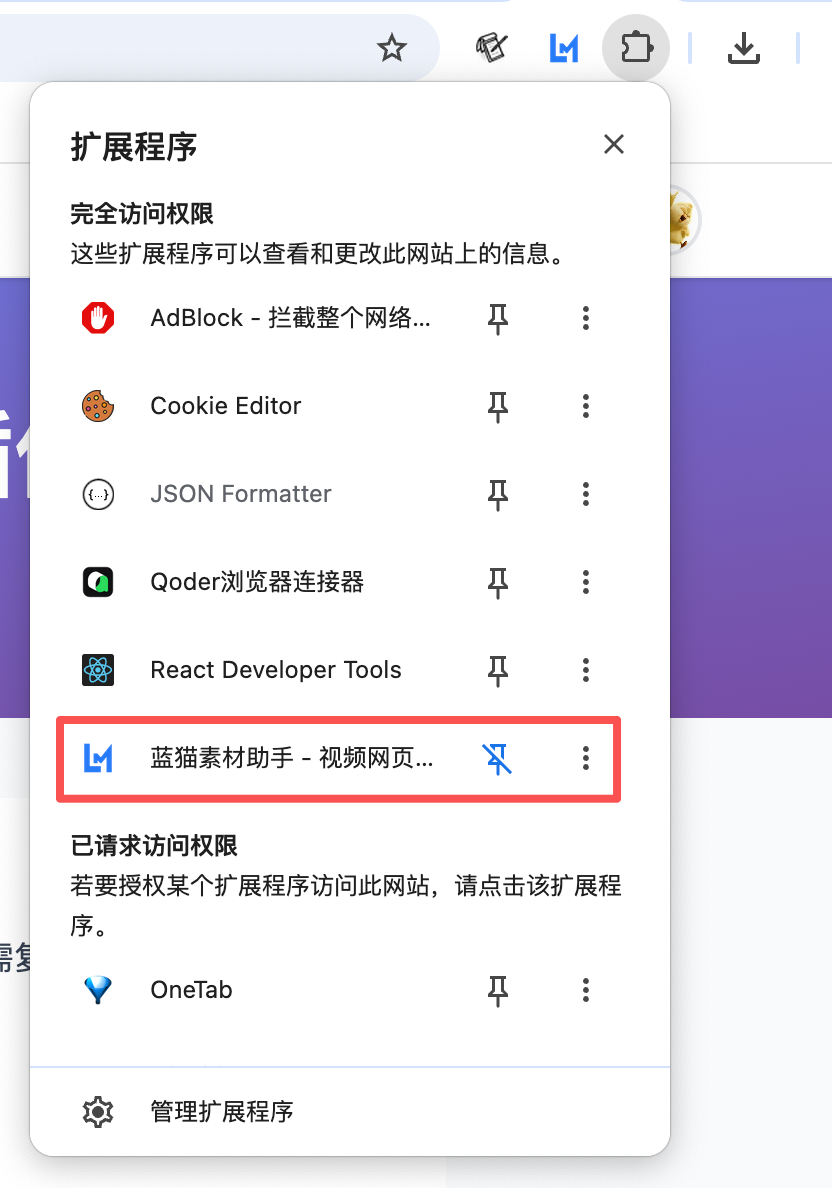
Once installed, the extension must be pinned to the toolbar, or you won't be able to log in. Follow these two steps:
1Pin the extension to the toolbar: click the extensions icon in the top-right corner of your browser, find "DownCats" in the list, and click the pin icon next to it.
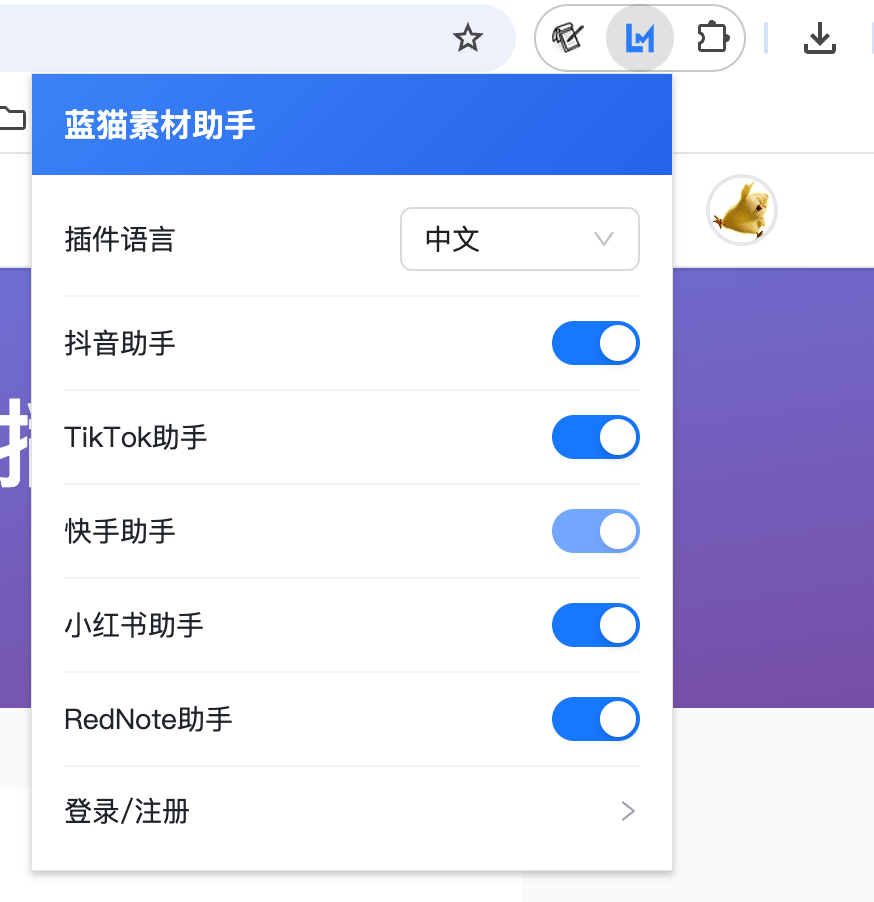
2Click the extension icon on the toolbar: log in to download any video with one click; click any assistant in the popup to jump to the corresponding platform.
Need Help Installing?
If you encounter an issue during installation, please contact us.